Stripe Terminal
The Stripe Terminal app for iPhone and Android
Connect your Stripe account and run Stripe Terminal from your phone. Pair a card reader for chip and swipe, or take contactless payments with Tap to Pay and no hardware at all.4.8 App Store rating 245K+ businesses worldwide

4.8 App Store rating 245K+ businesses worldwide
Three ways to run Stripe Terminal
Stripe ships a dashboard app and a developer SDK. Third-party apps sit in between. Pick the row that matches you.You wantUse
Contactless on a phone, occasional salesStripe Dashboard appStripe's own app. Tap to Pay with manual card entry as a fallback. It does not pair Stripe Terminal card readers.
Card readers, catalog, tips, and staffPayment for StripeThis appEvery Stripe Terminal reader, plus Tap to Pay. Catalog, tips, taxes, receipts, subscriptions, and staff accounts. 1.2% per sale (15¢ minimum), no monthly fee.
A custom checkout, and a developerTerminal SDKiOS, Android, React Native, and JavaScript SDKs. You build it up front and maintain it forever.
How to set up a Stripe terminal
About 60 seconds. No code, no Stripe Dashboard config.- 1
Download the app
Install Payment for Stripe on your iPhone, Android phone, or tablet. Free, and it runs on hardware you already own. - 2
Connect your Stripe account
Sign in through Stripe's OAuth flow. Payouts, fees, refunds, and disputes all stay in your own Stripe account. - 3
Pair a reader, or just tap
Bluetooth-pair a Stripe Reader M2 or WisePad 3, put a WisePOS E on WiFi, or skip hardware and use Tap to Pay.
Every Stripe Terminal reader works with Payment
Order hardware from your Stripe Dashboard at Stripe's price. We don't mark it up. Or skip hardware and use Tap to Pay.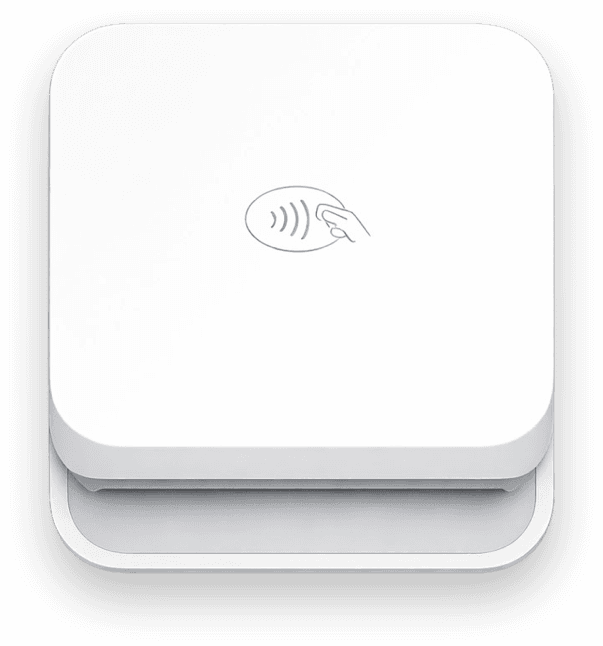
Stripe Reader M2Pocket Bluetooth reader. Chip, swipe, and contactless. From $59.Learn more
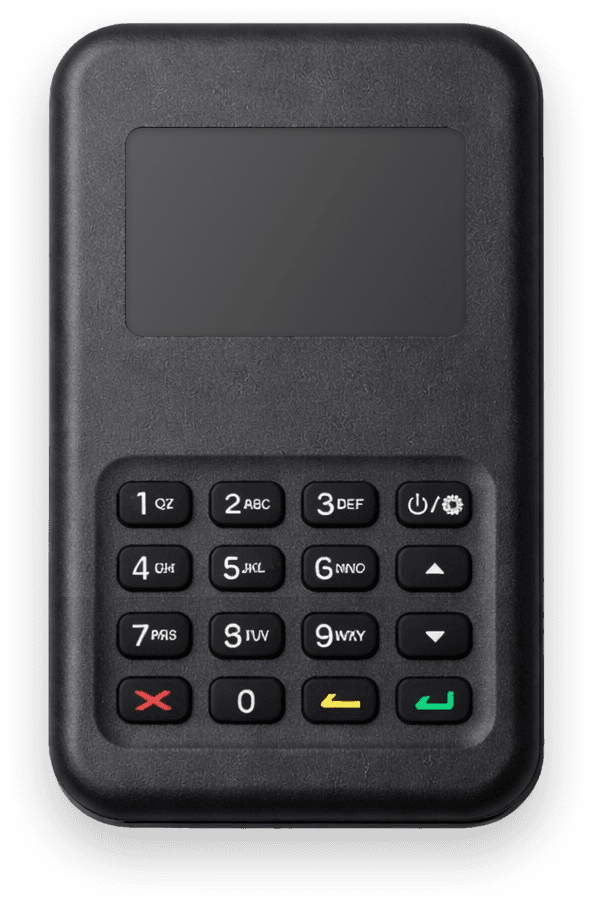
WisePad 3Bluetooth reader with a PIN pad. The widest country coverage.Learn more
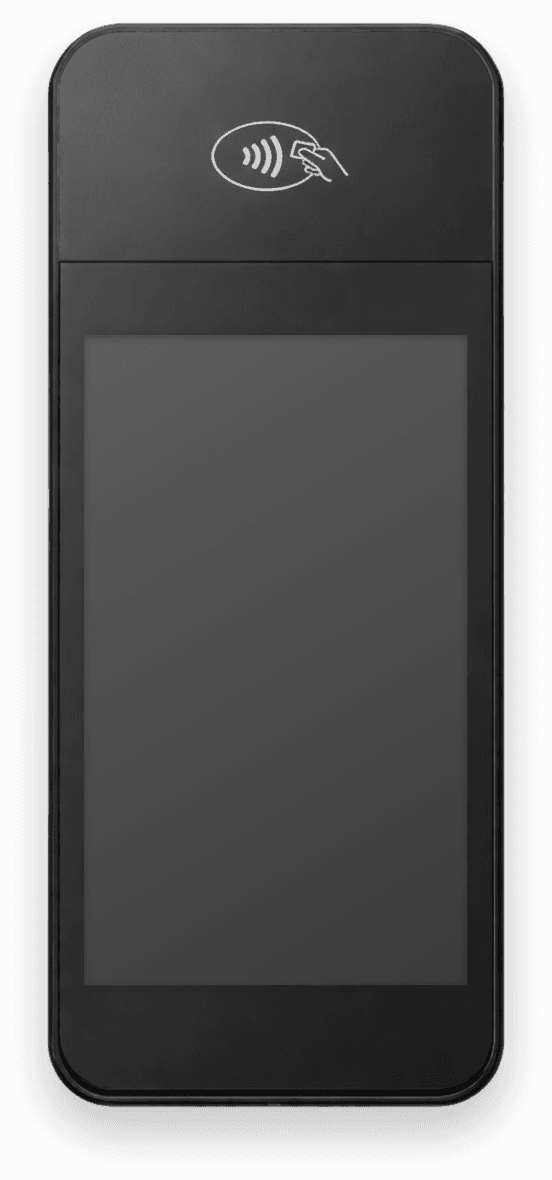
WisePOS ECountertop smart reader with a customer-facing touchscreen.Learn more
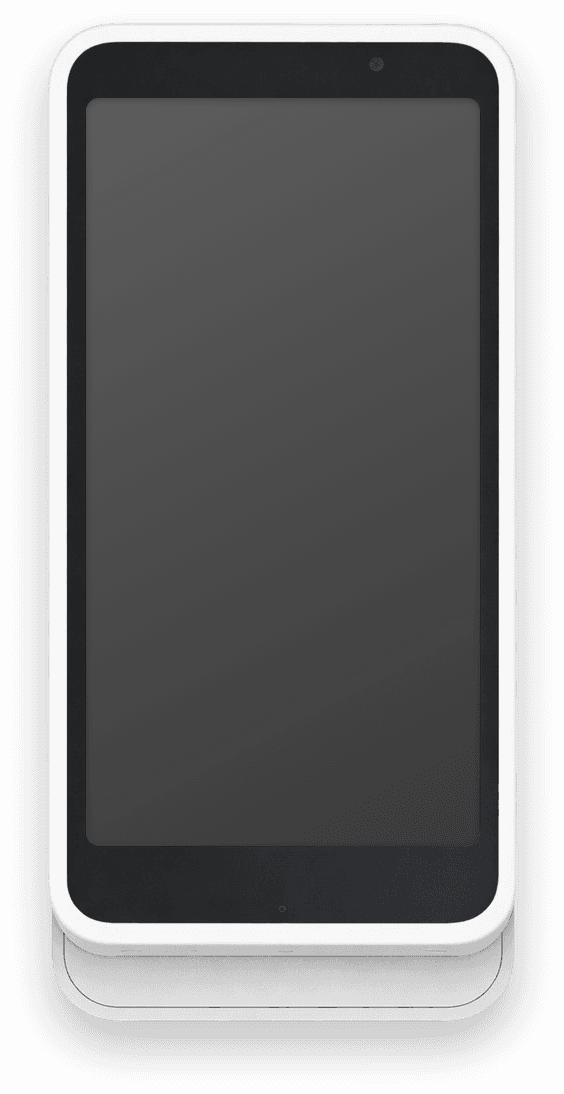
Stripe Reader S700Smart reader that runs the app on-device. From $299.Learn more
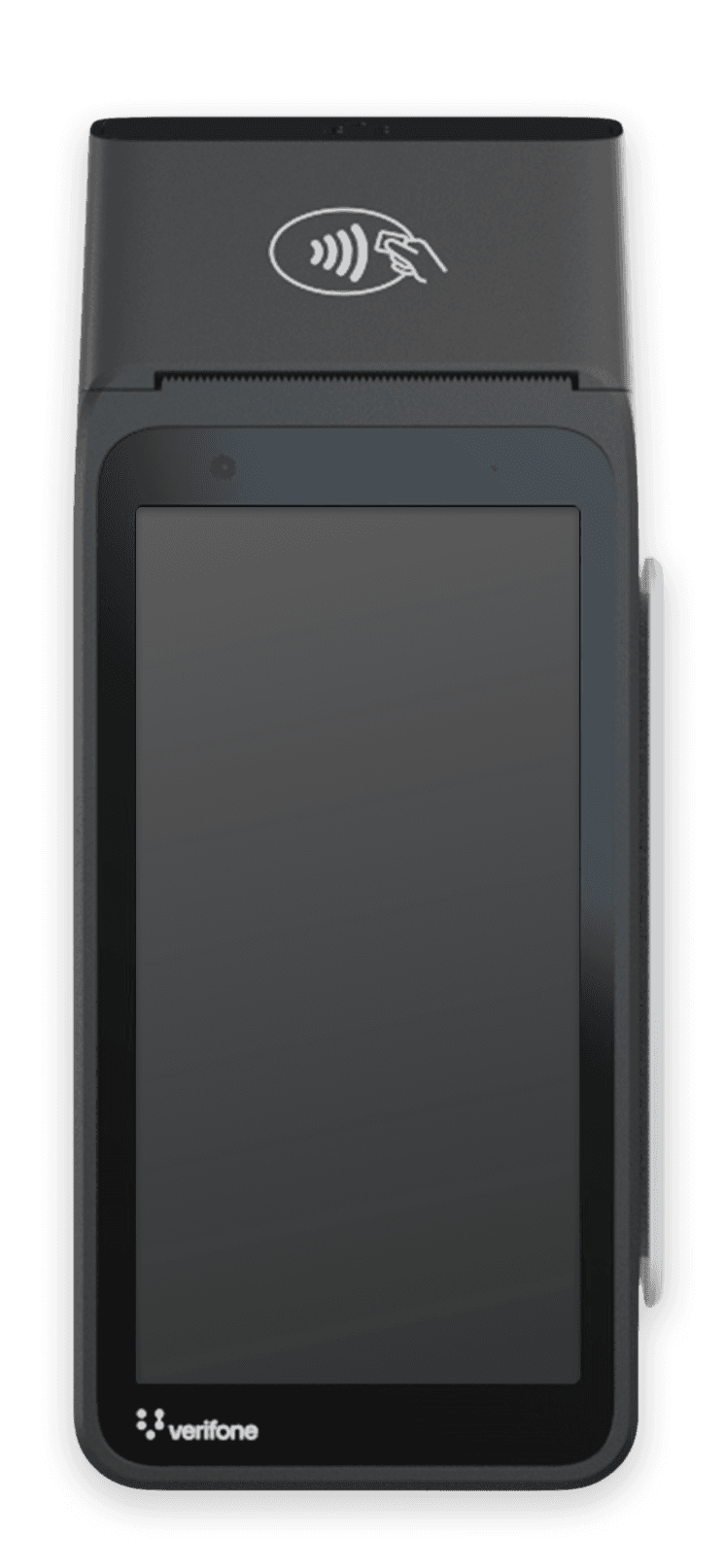
Verifone V660pCountertop reader with a built-in receipt printer.Learn more


Tap to PayNo reader at all. Your iPhone or Android phone takes the contactless payment.Learn more
No monthly fee. No code.
Everything Stripe Terminal does, without building it yourself.- Works with every Stripe Terminal card reader
- Tap to Pay on iPhone and Android, no hardware
- Product catalog, tips, and tax rates built in
- Staff accounts with charge-only access
- Refunds and emailed receipts from the app
- 135+ currencies, from customers in 195+ countries
“I love how it integrates closely with Stripe, since that’s what I use for my main online business.”
FAQ
Stripe Terminal questions
Can I use my phone as a Stripe terminal?
Yes. Tap to Pay turns an iPhone or Android phone into a Stripe terminal with no extra hardware. Customers tap a card, Apple Pay, or Google Pay on the back of your phone. Pair a Stripe Terminal card reader when you also need chip and swipe.
Is the Stripe terminal free?
The software is. Payment for Stripe is a free download with no monthly fee, just 1.2% per sale (15¢ minimum) on top of Stripe's 2.7% + 5¢ in-person rate. Readers cost extra and are ordered from your Stripe Dashboard, from $59 for the Stripe Reader M2. Tap to Pay needs no hardware, so it costs nothing to start.
How to set up a Stripe terminal?
Download the app, connect your Stripe account through OAuth, then pair your reader over Bluetooth or put it on WiFi. About 60 seconds. Smart readers like the S700 and V660p can also run standalone with no phone at all.
Does Stripe have POS software?
Stripe builds the payments layer, not a full point of sale. The Stripe Dashboard app covers Tap to Pay, and the Terminal SDK lets developers build their own checkout. For a ready-made POS on your own Stripe account, Payment for Stripe adds a product catalog, tips, taxes, staff accounts, and receipts.
Which readers work with the app?
Stripe Reader M2, WisePad 3, WisePOS E, Stripe Reader S700, S710, and T600, and the Verifone V660p. You buy them from your Stripe Dashboard. Availability varies by country.
Is this app made by Stripe?
No. Payment for Stripe is built by PocketVendor Inc, a Stripe Premier Partner, and connects to your own Stripe account. It is not the official Stripe Dashboard app and is not owned or operated by Stripe, Inc.
From the blog
Works with your Stripe account