Stripe standalone mode
Accept payments without a POS
Standalone mode turns your Stripe terminal into a self-contained payments tool. Enter an amount, take the card. Works on the Stripe Reader S700/S710 and Verifone V660p. No app, no SDK, no point-of-sale software.4.8 App Store rating 245K+ businesses worldwide
Setup checklist1 / 4
- Connect or create your Stripe account
- Set your reader location
- We enable standalone mode
- Register your reader
4.8 App Store rating 245K+ businesses worldwide
Supported readers
Built into these Stripe readers
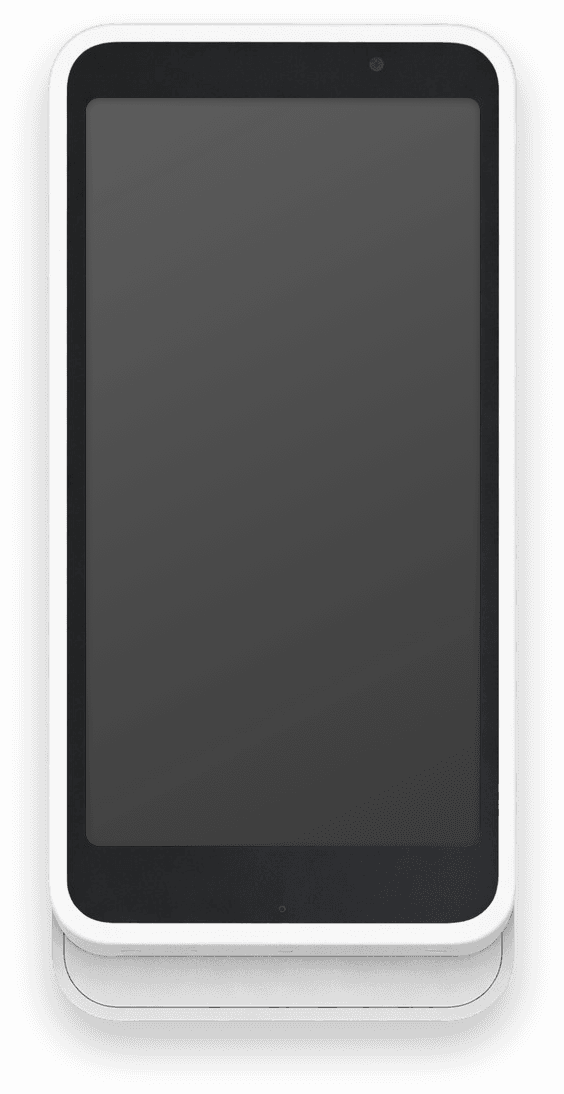
Standalone mode runs on Stripe's smart readers. The S700/S710 and the Verifone V660p work out of the box as a Stripe standalone reader or Stripe standalone terminal.Stripe Reader S700 / S710
Stripe's most capable smart reader family. Accepts chip, swipe, contactless, and NFC payments. Works as a Stripe standalone terminal right out of the box.Learn more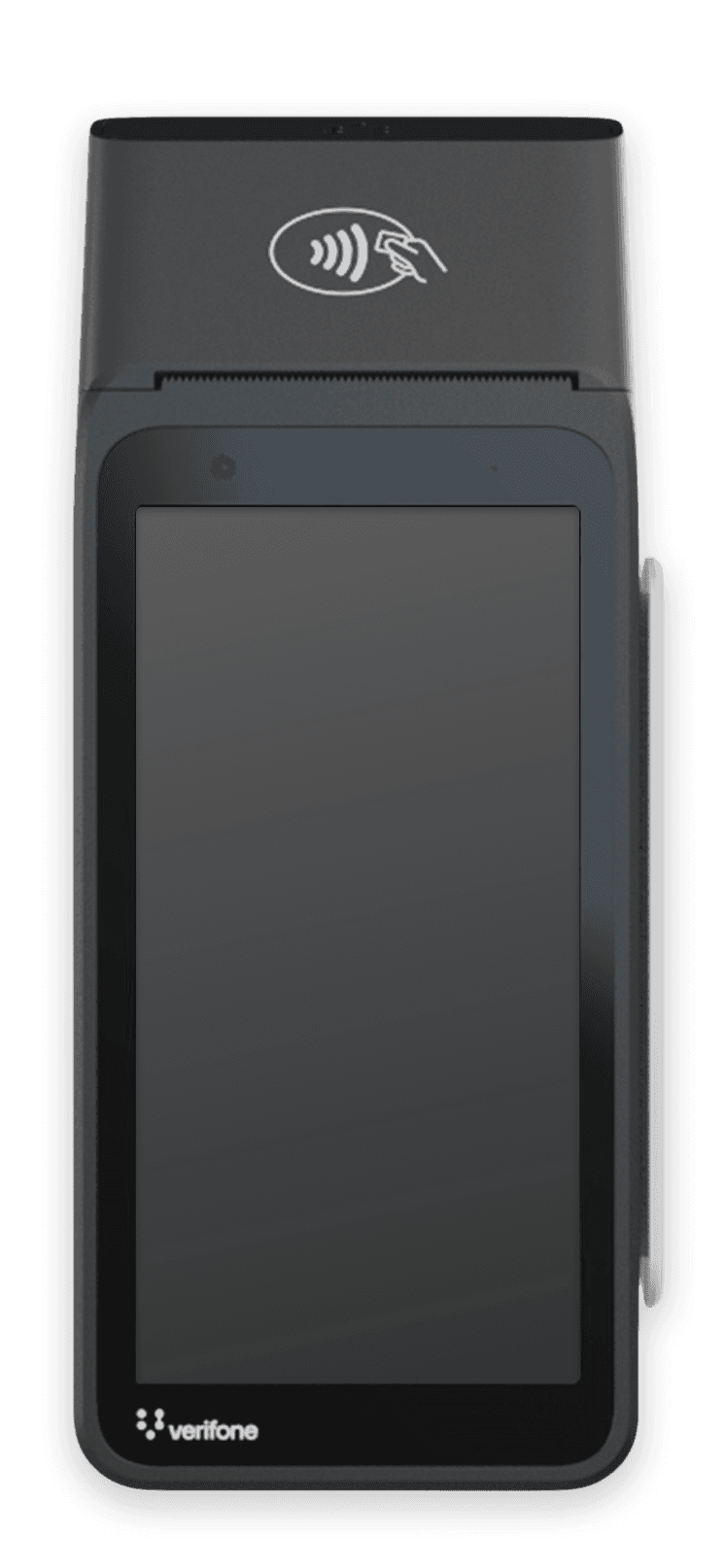
Verifone V660p
The newest Stripe-certified reader with a built-in receipt printer. Ideal for retail and hospitality. Full standalone support included.Learn moreWhat's supported
Standalone mode capabilities
Not every Stripe Terminal feature is available in standalone mode. Here's what works and what doesn't.- Card-present paymentsSupported
- Affirm, WeChat Pay, and PayNowSupported
- On-reader tippingSupported
- On-reader refunds (optional passcode)Supported
- Email and printed receiptsSupported
- On-reader transaction historySupported
- Extended authorizationSupported
- Incremental authorizationSupported
- Point-to-point encryption (P2PE)Supported
- Offline payments×
- Mail order / telephone order (MOTO)×
- Saved cards / payment methods×
- Custom on-screen inputs×
Why use our setup?
The easiest way to get started
1-click setup
We connect Stripe, create the Location, and enable standalone mode in one flow. Beats six clicks in the Stripe Dashboard.Auto reader registration
We register the reader to your Stripe account and attach it to your new location automatically. No Dashboard menus, no manual configuration.Ready in <2 minutes
From OAuth to first payment, the typical flow takes under two minutes.
More than standalone?
When you outgrow standalone mode
Standalone mode covers the basics. When your business needs more (subscriptions, customer profiles, invoices), the Stripe Terminal app has you covered.Standalone mode
- Accept card payments
- On-reader tipping
- Print receipts (V660p)
Payment for Stripe app
- Recurring subscriptions
- Customer profiles + saved cards
- Custom branded receipts
- Products & invoices
- Offline mode
FAQ
Common questions answered
What hardware do I need for standalone mode?
You need a Stripe Reader S700 or S710, or the Verifone V660p. All are certified Stripe smart readers with built-in standalone support. No phone, tablet, or additional software is required.
Does standalone mode work without internet?
No. Standalone mode requires an active internet connection to process payments. Offline payment capture is not supported in standalone mode. Use the full Payment for Stripe app if you need offline capability.
How do refunds work in standalone mode?
Refunds work directly on the reader. You can require a passcode for on-reader refunds, or turn them off entirely. You can also refund any payment from the Stripe Dashboard or the Refunds API.
Can I collect tips in standalone mode?
Yes. On-reader tipping is fully supported. Your customers can select a tip percentage or enter a custom amount directly on the reader screen before completing the payment.
What does standalone mode cost?
Standard Stripe processing rates apply to every transaction. There is no additional fee from Payment for Stripe for using the standalone setup wizard or running standalone mode.
How is this different from the full Payment for Stripe app?
Standalone mode handles basic card-present payments on the reader only. The full Payment for Stripe app adds subscriptions, customer profiles, saved cards, invoices, a product catalog, offline mode, and more. Download it at paymentforstripe.com/download.
What is a Stripe standalone terminal?
A Stripe standalone terminal is a smart card reader configured to accept payments independently, without being connected to a POS system, phone, or tablet. The reader handles the entire payment flow on-device. The S700/S710 and Verifone V660p both support this mode when enabled through Stripe Terminal settings.
Can I switch back from standalone mode?
Yes. You can disable standalone mode at any time in the Stripe Dashboard under Terminal > Locations. Edit the standalone mode configuration, toggle it off, and reboot the reader. It returns to its default behavior and works with any connected POS system.
Can I use a Stripe reader without an app?
Yes, with standalone mode. The Stripe Reader S700, S710, and Verifone V660p take payments directly on the reader: enter the amount, take the card. No app, no POS software, no code.
Is Stripe standalone mode a no-code POS?
Yes. Standalone mode is Stripe's no-code point of sale for smart readers. For a no-code POS with a catalog, tips, customers, and reports, pair the reader with the Payment for Stripe app instead.
Does standalone mode work on the Stripe T600?
No. Stripe's standalone mode runs on the S700/S710 and Verifone V660p. The T600 runs Payment for Stripe directly on the reader instead.
From the blog