Stripe Tap to Pay
Accept contactless payments with just your phone
Turn your iPhone or Android into a payment terminal. Accept tap-to-pay cards, Apple Pay, and Google Pay without any additional hardware.4.8 App Store rating 245K+ businesses worldwide
Accept tap-to-pay cards, Apple Pay, and Google Pay without any additional hardware.
4.8 App Store rating 245K+ businesses worldwide
How it works
Your phone becomes a payment terminal
Tap to Pay uses your device's built-in NFC technology to accept contactless payments. Customers simply tap their card, phone, or watch on your device to pay. No dongles, readers, or additional hardware required.- 1Turn on Tap to Pay from the app menu
- 2Create a charge and select Tap to Pay
- 3Customer taps their card or phone on your device
- 4Payment is processed instantly
$0.00
+ Description


Features
What you get with Tap to Pay
No hardware needed
Your phone is the terminal. Accept contactless payments without buying any additional equipment.Competitive rates
The same rate on both platforms, with no hardware to buy. Your phone and your existing Stripe account are the whole setup.Accept digital wallets
Customers can pay with Apple Pay, Google Pay, or any contactless-enabled card or device.Instant setup
Turn on Tap to Pay from the app menu and start accepting payments immediately. No approval wait.
Requirements
Available on iPhone and Android
Both platforms offer identical functionality. Use whichever device you already have.iPhoneAndroid
Device requirement
iPhone XS or later
NFC-enabled Android
OS version
iOS 18+
Android 13+
Contactless cards
Apple Pay
Google Pay
Offline payments
×
×
Availability
US, UK, AU + more
US, UK, AU + more
Need more options?
Find the perfect card reader
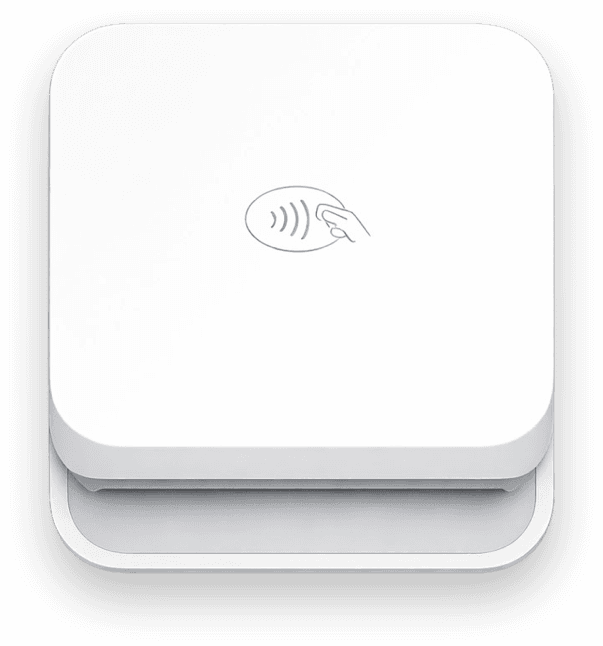
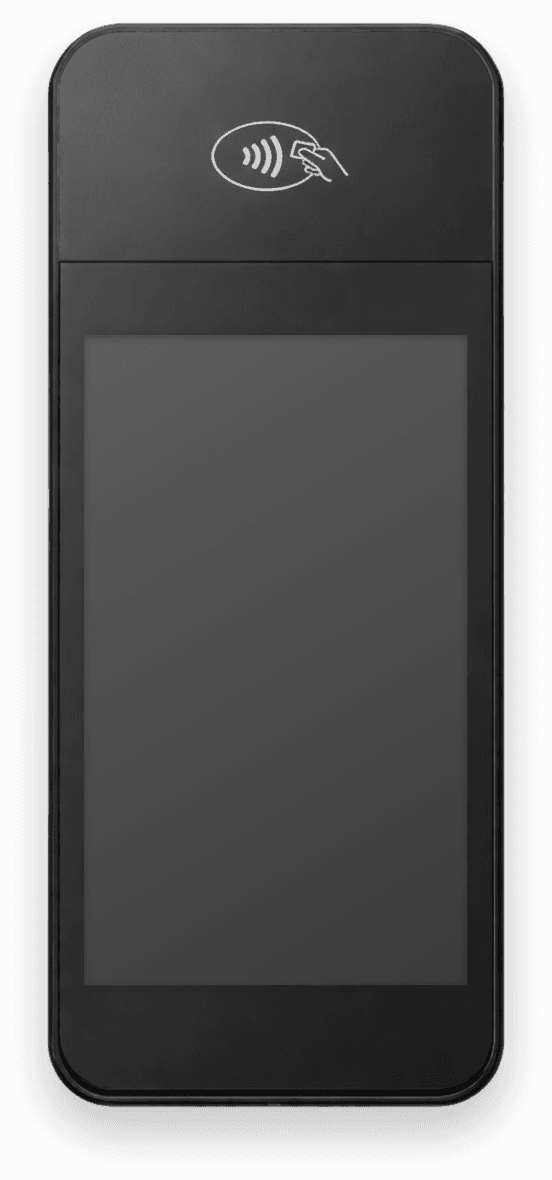
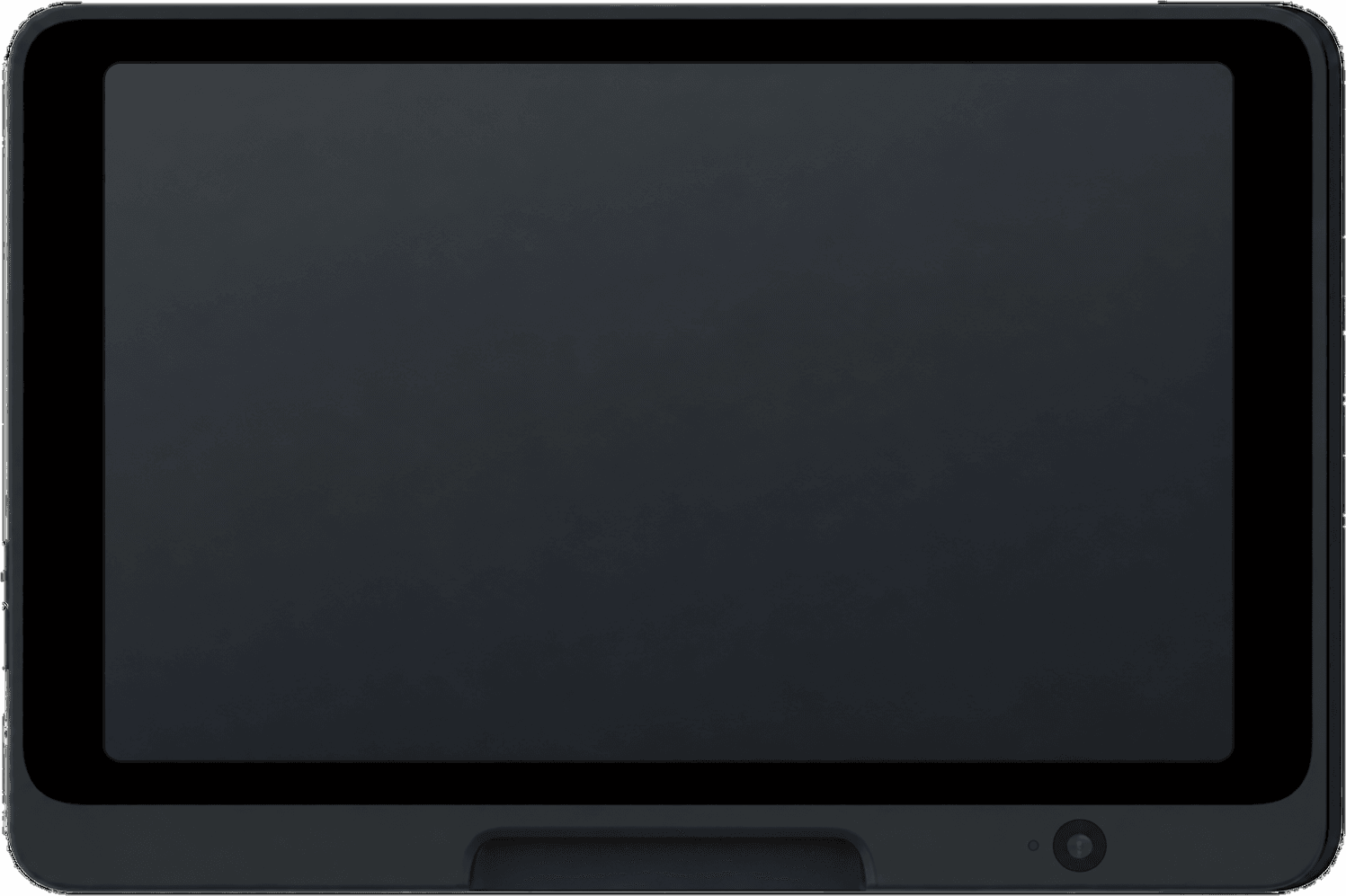
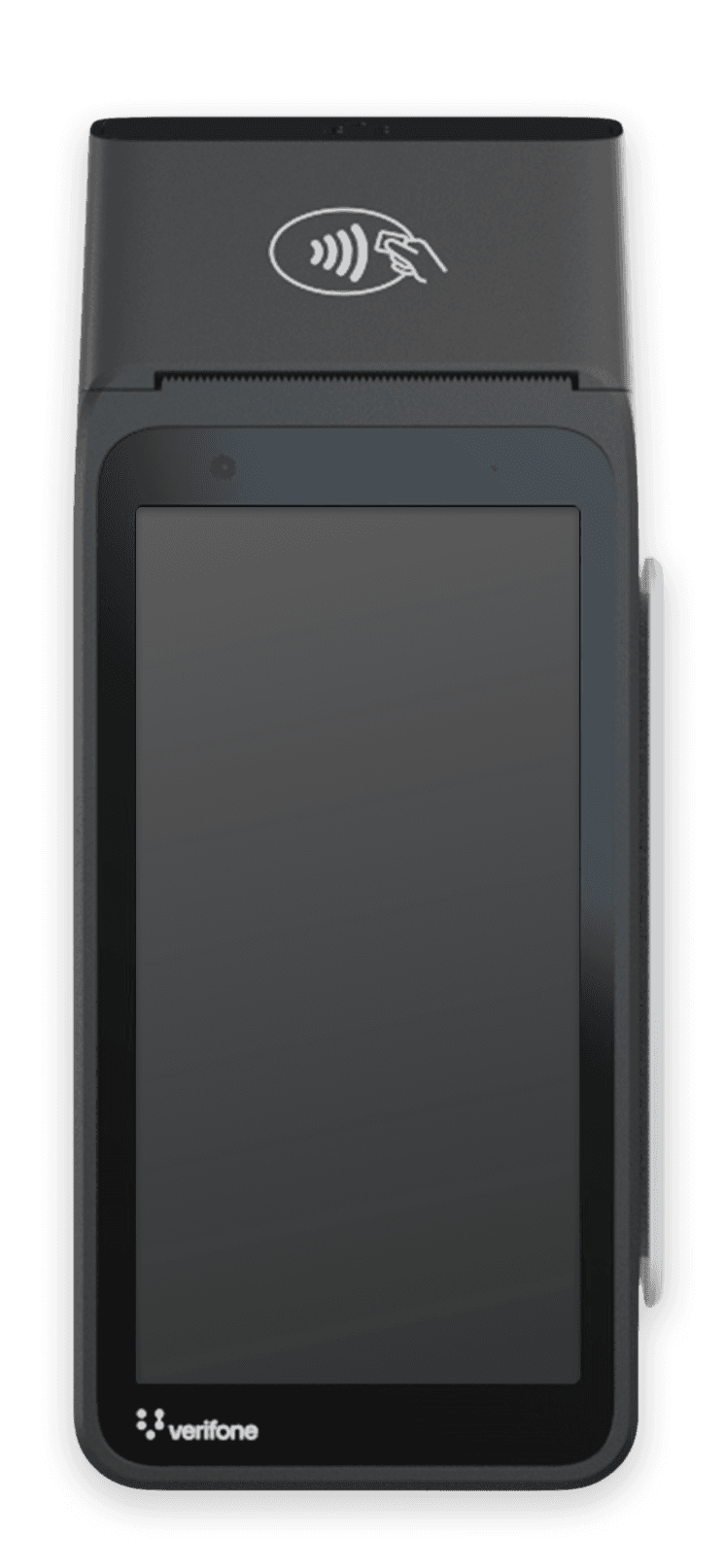
A reader adds chip and swipe, offline payments and, on countertop models, a screen for your customer. Pick one by where you sell, or compare every way to run Stripe Terminal.- Mobile businesses
- Stripe Reader M2
- International merchants
- WisePad 3
- Countertop use
- WisePOS E
- Counter, 8" customer screen
- Stripe Reader T600
- Counter & built-in printer
- Verifone V660p
- Self-service kiosks
- Verifone UX700
FAQ
Common questions
What's the difference between Tap to Pay and using a card reader?
Tap to Pay uses your phone's NFC chip to accept contactless payments, no additional hardware needed. Card readers support chip cards, magstripe, and offline payments in addition to contactless. Tap to Pay is great for getting started quickly; card readers offer more payment options and lower fees.
Do I need an internet connection?
Yes, Tap to Pay requires an active internet connection to process payments. Unlike Bluetooth card readers, it cannot store transactions offline. Make sure you have WiFi or cellular data before accepting payments.
Can customers insert or swipe their card?
No, Tap to Pay only accepts contactless payments. Customers must tap their card or phone. If a customer doesn't have a contactless card, you'll need a card reader or can use manual card entry (at higher rates).
Is Tap to Pay available in my country?
Tap to Pay works in about 40 countries on both iPhone and Android, including the US, Canada, the UK, Australia, Japan, Hong Kong, Mexico, and most of Europe. Check the app menu to see if Tap to Pay is enabled for your account.
Do Tap to Pay fees differ between iPhone and Android?
No. In the US both pay Stripe's 2.7% + 5¢ in-person rate plus 10¢ per Tap to Pay authorization, and Payment for Stripe adds 1.2% per sale (15¢ minimum). There is no monthly fee on either.
Is there a free tap to pay app?
Yes. Payment for Stripe is free to download on iOS and Android, with no monthly fees, no contracts, and no monthly minimums. You pay 1.2% per sale (15¢ minimum) plus Stripe's processing fees, only when you get paid.
Can I accept tap to pay without NFC?
No. Tap to Pay reads contactless cards through your phone's NFC chip. On a phone without NFC, type the card in with manual entry or pair a Bluetooth reader like the Stripe Reader M2.
Works with your Stripe account